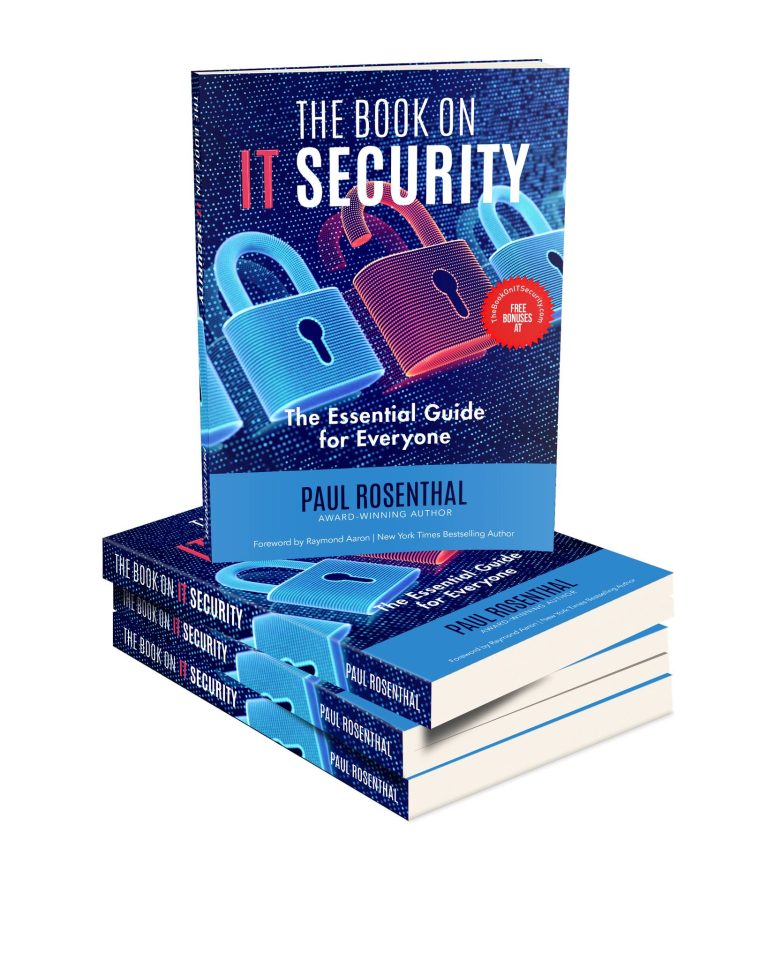
Chapter 1 ~ Introduction
Chapter 1 ~ Introduction: An Overview of the Basics and the Importance of IT Security
1.1 Why This Book Was Written
1.2 What Is IT Security and What Is Its Purpose?
1.3 Common Types of IT Threats
1.4 Potential Consequences of a Data Breach or Cyberattack
1.5 Threats That Can Impact Data Security
1.6 The Importance of User Awareness and the Ability to Recognize Potential Threats
Chapter 2 ~ Data
Chapter 2 ~ Data: Choosing What Truly Matters
2.1 Introduction to the Importance of Data Security
2.2 Types of Data That Should Be Protected
2.3 Threats That Can Compromise Data Security
2.4 Backup: Best Practices for Creating and Verifying Data Backups
2.5 Disaster Recovery Planning
2.6 Proper Data Disposal and Destruction
Chapter 3 ~ The User
Chapter 3 ~ The User: Often the Biggest Cause of Security Breaches
3.1 The Role of the User in IT Security
3.2 User Account Management
3.3 Common Mistakes Users Make
3.4 Best Practices Users Should Follow
3.5 Safe Internet Browsing
3.6 Identity Protection
Chapter 4 ~ Software
Chapter 4 ~ Software: Applications Can Also Be a Major Risk
4.1 Offline and Online Applications
4.2 The Importance of Using Legal Software
4.3 The Importance of Regular Software Updates
4.4 Antivirus Protection: Free vs. Paid Options
4.5 Firewall: A Security System That Monitors and Controls Network Traffic
4.6 VPN: A Private Network over Public Infrastructure
Chapter 5 ~ Hardware
Chapter 5 ~ Hardware: Your Attention Is Needed Here Too
5.1 Potential Security Risks Related to Hardware Devices
5.2 Choose Device Names Carefully
5.3 Physical Security of Computer Systems and Networks to Prevent Unauthorized Access
5.4 Default Administrator and User Passwords on Devices
5.5 The Importance of Hardware Upgrades
5.6 Data Loss Caused by Hardware Malfunction or Failure
Chapter 6 ~ Internet Access
Chapter 6 ~ Internet Access: Web, Email, and Web Applications
6.1 Web Security and Privacy
6.2 How to Use Online Banking Safely
6.3 Using Different Web Applications
6.4 The Importance of Safe Internet Browsing
6.5 Mobile Accessibility for Web Applications
6.6 Email Security and Privacy
Chapter 7 ~ Cloud Security
Chapter 7 ~ Cloud Security: New Technologies and “New” Rules
7.1 Cloud Security Is Constantly Evolving with New Technologies
7.2 Understanding the Benefits and Risks of Using Cloud Services
7.3 Shared Responsibility Model in the Cloud
7.4 Compliance and Data Protection in Cloud
7.5 Cloud Security Best Practices and Secure Cloud Architecture
7.6 Future Trends in Cloud Security
Chapter 8 ~ IoT
Chapter 8 ~ IoT: Protecting Your Smart Devices
8.1 A Large Number of IoT Devices Poses a Potential Security Risk
8.2 The Mobile Phone as the Most Problematic IoT Device
8.3 Smart Home IoT as a Security Concern
8.4 Identifying Vulnerable Devices in Your Network
8.5 From Early Vulnerabilities to Emerging Threats: The Evolution of Security
8.6 How to Protect Your IoT Devices
Chapter 9 ~ Social Media
Chapter 9 ~ Social Media: Stay Safe on Social Networks
9.1 Security Risks on Social Media
9.2 Protecting User Accounts: Authentication and Authorization
9.3 Protecting Personal Data on Social Media
9.4 Protection from Fake Profiles and Scams on Social Media
9.5 Responsible Content Sharing: Managing Your Digital Footprint
9.6 Monitoring Activity: Reporting Incidents and Blocking Unwanted Contacts
Chapter 10 ~ Small Businesses
Chapter 10 ~ Small Businesses: A Frequent Target of Cyberattacks
10.1 Why Are Small Businesses Vulnerable to Cyberattacks?
10.2 The Company's Most Valuable Treasure Chest Is Its Server
10.3 Domain Server
10.4 Business Websites Are the Company's Digital Mirror
10.5 Safe Email Use in Small Businesses
10.6 The Importance of a Security Culture Within an Organization
Chapter 11 ~ Book Website
Chapter 11 ~ Book Website: Includes Examples, Updated Content, Bonuses, and Discounts
11.1 How to Apply the Book's Concepts in the Real World
11.2 Access to Additional Resources and Tools Related to the Book
11.3 Frequently Updated Content to Keep You Informed
11.4 FAQ: Quick Answers to Common Questions
11.5 Connecting with the Author and Other Experts
11.6 Bonus Features
Chapter 12 ~ Conclusion
Chapter 12 ~ Conclusion: Don’t Get Stuck in the Past
12.1 Stay Informed: Discover Emerging Issues and Monitor Threat Reports
12.2 Be Skeptical: If Something Feels Off, You're Probably Right
12.3 Regularly Review and Test Your Cybersecurity Measures
12.4 Monitor and Analyze Logs for Suspicious Activity
12.5 AI and Emerging Challenges for Cybersecurity
12.6 What's Next?
Početna
O autoru
Poglavlja
Kontakt